Best Cigar Journal App for Collectors: Test It in Three Sessions

If you mainly want tasting notes, a journal-first app wins. If you manage dozens of sticks across multiple humidors, prioritize inventory depth and aging tracking. If you buy often and forget what you already own, a scanner-first tool with strong catalog coverage saves you the most time. For enthusiasts who want all three in one place, we built a browser-based app worth trying first.
TL;DR:
- Check that journal fields cover strength, flavor families, and smoking thirds, and that inventory tools track multiple humidors, batch counts, and aging windows.
- Across three sessions, log a cigar, enter a humidor, then scan, sync, and export; track entry time, scan success, and whether the file opens.
- Compare free limits with your habits: occasional smokers may avoid paid access, while collectors logging hundreds of cigars annually may need unlimited humidors and full history.
- Paradigm’s catalog covers more than 11,500 Cuban and New World cigars, and its browser app offers palate profiling across five dimensions plus Tasting Match.
Match Your Job to the One Feature That Matters Most
Before you install or bookmark anything, figure out which job you are actually trying to solve. Most cigar smokers fall into one of three camps, and each camp has one decisive feature that matters more than the rest.
- Journal-first smokers care about tasting-field depth and flexible rating scales, since the goal is capturing flavor and strength accurately over time.
- Humidor-first collectors need multiple humidor support, batch counts, and aging windows, because the real problem is knowing what you own and how long it has been resting.
- Scanner-first buyers want fast, accurate band identification backed by a large catalog, so a quick scan at the shop replaces guesswork.
Platform matters too. A native app requires a download and app-store updates, while a progressive web app (PWA) installs to your home screen directly from a browser and updates automatically. The trade-off is usually minor: native apps sometimes offer deeper offline features, but PWAs tend to sync faster across devices since there is no separate install to keep current on each phone or tablet.
What to Look for When Comparing Cigar Tracking Apps
A cigar log app is only useful if the fields match how you actually smoke and store cigars. Use this checklist to judge any app on its merits rather than its marketing copy.
- Journal quality: Check for tasting fields covering strength, flavor families, and thirds (the beginning, middle, and final third of a smoke), plus photo attachments and automatic location or timestamp metadata.
- Humidor management: Look for support for multiple humidors, batch and quantity counts, and aging windows that tell you when a cigar has rested long enough to smoke.
- Scanner capability: Confirm the scanning method actually works on real bands, that the underlying catalog is large enough to recognize what you smoke, and that manual search exists as a fallback.
- Sync, backup, and export: Verify your data syncs across devices and that you can export your journal as a file rather than being locked into one app forever.
- Privacy: Favor apps that treat your smoking history as private by default rather than public unless you choose to share it.
- Pricing: Expect a free tier with a collection-size or scan-count limit, and a paid tier that unlocks full history, unlimited humidors, or advanced filtering.
Pro Tip: Test the scanner on a worn or partially torn band before committing. That is the real-world condition most collectors deal with, not a pristine factory sample.
How Feature Categories Map to Different Collector Profiles
Rather than naming specific competitor products, it helps to compare the feature categories themselves and see which collector profile benefits most from each.
- Journal depth matters most to reviewers and serious collectors who track dozens of tasting notes a year and need consistent fields to compare cigars honestly over time.
- Humidor inventory features matter most to weekend hobbyists and collectors managing more than one humidor, since batch counts and aging windows prevent cigars from being forgotten or over-aged.
- Scanner accuracy and catalog size matter most to casual smokers and frequent buyers who want a fast way to identify an unfamiliar band at a shop or lounge.
- Sync and export matter to anyone who switches phones often or wants a backup independent of a single device.
- Privacy controls matter most to smokers who want a personal record without a public profile attached to it.
- Pricing structure matters to anyone comparing free tiers, since a casual smoker rarely needs a paid plan while a collector logging hundreds of cigars a year usually does.
If you only smoke occasionally and want quick identification, prioritize scanner accuracy over journal depth. If you are building a serious collection across multiple boxes and brands, prioritize humidor batch tracking and aging windows over flashy scanning. If you review cigars publicly or semi-publicly, prioritize a structured tasting workflow with consistent scoring, since inconsistent notes make past reviews hard to trust later. A cigar tasting workflow built around a 1 to 10 scale and thirds-based notes solves that consistency problem directly.
How Paradigm Covers the Checklist for Collectors
We built Paradigm as a browser-based cigar journal and discovery app, and it maps to the checklist above in concrete, checkable ways.
- Catalog size: The database covers more than 11,500 Cuban and New World cigars, supporting both full-cigar scanning (band, wrapper, and shape) and manual search when a scan does not resolve.
- Platform model: The app runs as a progressive web app, so you add it to your phone's home screen directly from the browser with no app-store download or update cycle to manage.
- Palate profiling: A five-dimension palate profile improves as you rate more cigars, and a Tasting Match feature tells you whether a specific cigar is likely to suit your preferred strength and flavor profile before you light it.
- Tasting structure: Our tasting workflow uses a 1 to 10 scoring scale broken into thirds, which keeps your notes comparable across years rather than drifting as your vocabulary changes.
- Humidor organization: Our guide to humidor inventory tracking lays out the exact fields worth logging for batch and aging purposes.
Preference profiling that improves with use, built on a 70/20/10 sampling approach described in our 70/20/10 preference plan, which means your Tasting Match recommendations get sharper the more cigars you rate rather than staying static.
We also publish a privacy-first journal template for readers who want their smoking history kept personal by default, and a broader feature checklist for anyone comparing apps before they commit to one.

A Three-Session Test to Judge Any App Quickly
A feature list only tells you so much. Run any app, including ours, through three real sessions before deciding.
Session 1: Log one cigar start to finish and judge whether the tasting fields feel natural or forced. Session 2: Add a full humidor, including batch counts and an aging note, and see how long entry actually takes. Session 3: Scan a cigar, sync across two devices, and export your data to confirm it is not locked in.

Track three numbers: time per entry, scan success rate, and whether the export actually opens. Those three metrics expose shortcomings faster than any checklist.
Try Paradigm for Your Next Cigar Session
If the checklist above matches what you want, a combined journal, scanner, and humidor tracker saves you from juggling three separate tools. This includes whole-cigar scanning backed by a large catalog, a tasting workflow that keeps your notes consistent, and a Tasting Match score that tells you before you light up whether a cigar fits your palate profile.
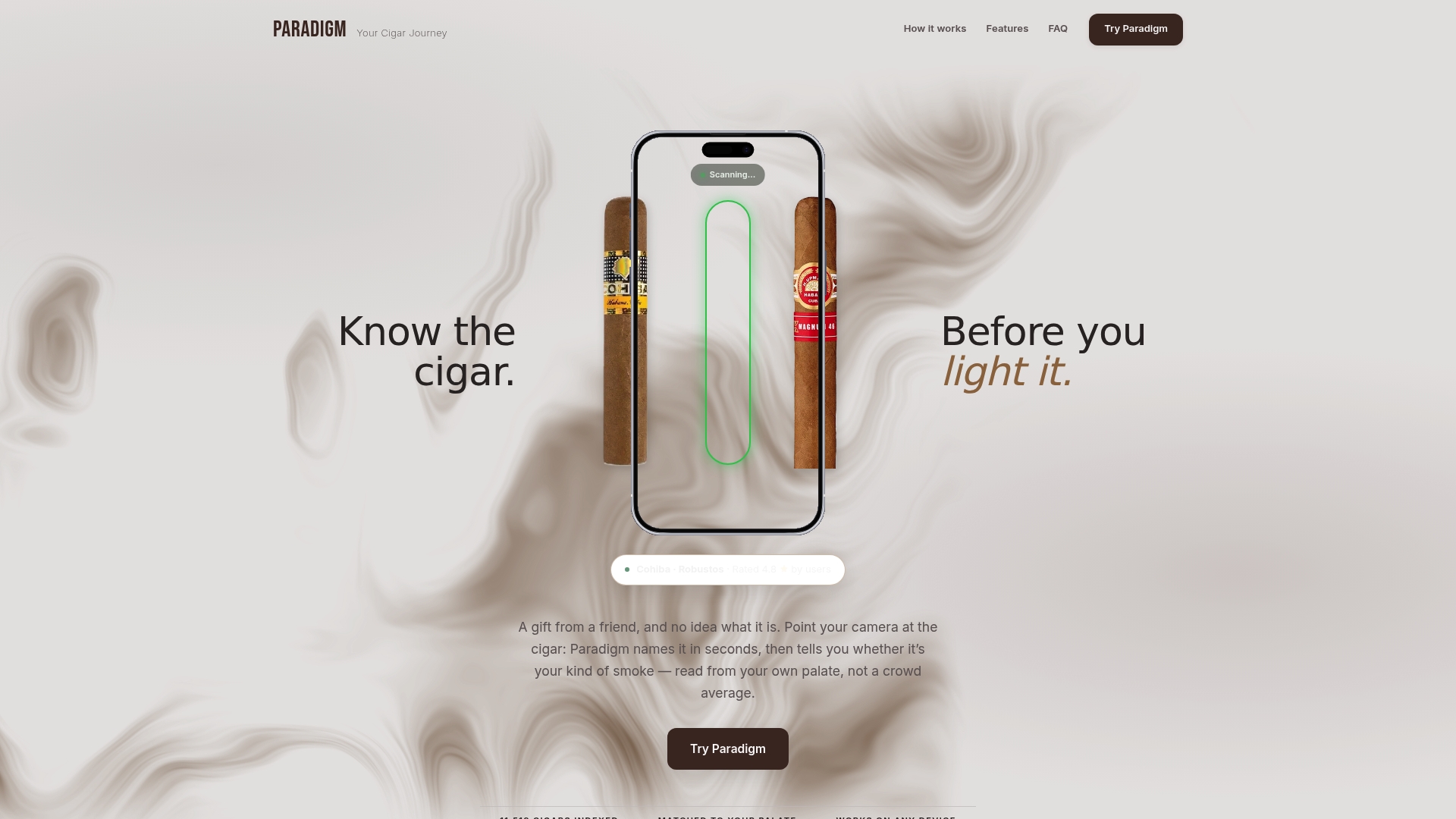
- Scan a cigar or search manually the first time you are unsure what you are smoking.
- Log your first tasting note using our thirds-based scoring workflow.
- Let your five-dimension palate profile start refining your recommendations.
Visit Paradigm to start your journal today, right from your phone's browser, no app-store download required.
FAQ
What is the 135 rule for cigars?
Some smokers use shorthand rules for pairing or pacing cigars, but these are not standardized or medically defined guidelines, and definitions vary depending on who is citing them. We recommend treating any such rule as informal folklore rather than a verified standard.
Is 4 cigars a week too much?
There is no universally safe threshold for cigar smoking, and health authorities are clear that cigar smoke carries many of the same toxic compounds found in cigarette smoke, with exposure considered harmful even without inhaling, according to the CDC. Frequency and inhalation pattern both affect risk, so anyone concerned about their habits should consult a healthcare provider rather than rely on a fixed weekly number, per NCI guidance.
What is the best journaling app?
The best cigar journaling app depends on your job: journal-first apps suit reviewers who want consistent tasting fields, while humidor-first apps suit collectors managing aging stock across multiple boxes. The app combines both approaches in one progressive web app, with a tasting workflow, Tasting Match scoring, and humidor tracking built around the same catalog.
What is the best cigar app for iPhone?
Since this runs as a progressive web app, iPhone users can add it to their home screen directly from Safari without visiting the App Store or managing separate updates. It works the same way across Android and desktop browsers, so your journal and humidor data stay in sync wherever you check it.